Which Is Better: SignBox, DocuSign, or Adobe Sign?
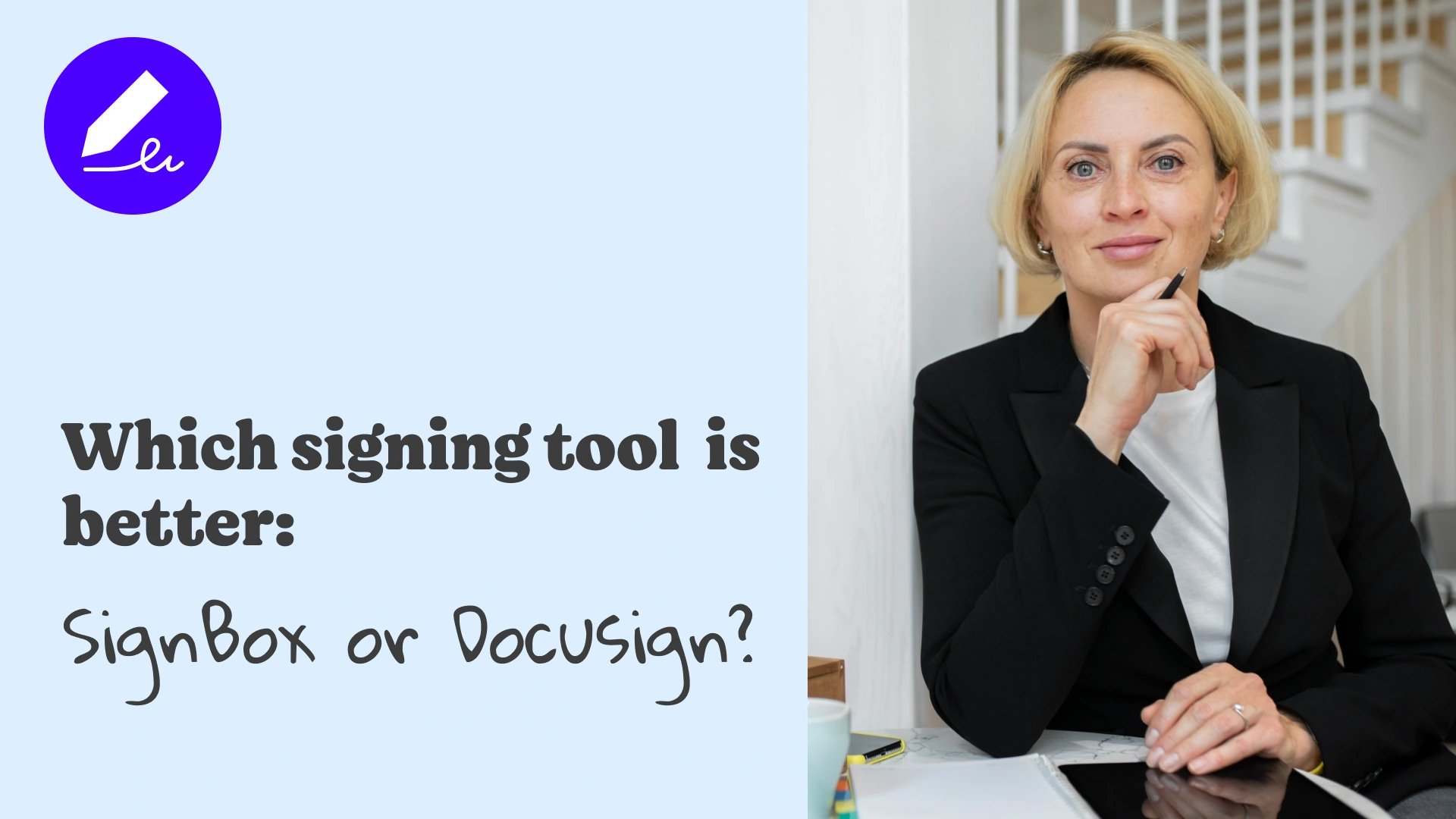
Choosing the right electronic signature platform depends on what matters most to you: simplicity, cost, scalability, or advanced enterprise features.
While DocuSign and Adobe Sign are well-known, SignBox offers a modern, streamlined experience designed for individuals, freelancers, and small teams who want to create e signature free and sign documents quickly, without complexity.
Below is a clear, honest comparison to help you decide.
SignBox: Fast, Simple, and Free to Start
SignBox focuses on making electronic signing effortless.
You can upload a document, add your signature, and send it for others to sign, all in just a few clicks.
Key Advantages of SignBox
- Free e signing for your first three documents.
- Works directly in your browser, with no software installation needed.
- Simple, intuitive interface for fast workflows.
- Invite others to sign and track signature status in real-time.
- Unique signer ID associated with each signature for authenticity and fraud prevention.
- Designed for individuals, freelancers, and small businesses who want a clean and efficient signing process.
SignBox is the best choice if:
You want a free app to sign documents that is modern, easy to use, and doesn’t require training.
DocuSign: Enterprise-Grade and Feature-Rich
DocuSign is widely recognized as the global leader in digital signing and workflow automation.
It offers extensive compliance controls, integrations, and advanced workflow features for large organizations.
Where DocuSign Excels
- Ideal for large companies with complex approval flows.
- Offers many integrations (Salesforce, SAP, etc.).
- Robust document routing and administrative controls.
DocuSign is the best choice if:
You are a large enterprise that needs advanced customization, layered approvals, and corporate compliance infrastructure.
Trade-Offs
- No meaningful free usage: after the trial, subscription is required.
- Interface and setup can feel heavy for users who only need simple signing.
Try SignBox now for Free →
Adobe Sign: Best for Teams Already Using Adobe Tools
Adobe Sign integrates naturally with Adobe Acrobat and Adobe Creative Cloud.
It’s strong for teams that already edit, manage, or prepare documents inside Adobe software.
Where Adobe Sign Excels
- Seamless integration with PDF tools.
- Trusted brand with long-standing document credibility.
- Good for organizations already using Adobe ecosystems.
Adobe Sign is the best choice if:
Your team works heavily with PDFs or already has Adobe licenses.
Trade-Offs
- Pricing is subscription-based.
- Workflow can feel more complex than necessary for quick signing.
Head-to-Head Comparison
|
Feature |
SignBox |
DocuSign |
Adobe Sign |
|
Ease of Use |
Very easy |
Moderate |
Moderate |
|
Free Usage |
Yes – free e signing (3 documents) |
Trial only |
No meaningful free tier |
|
Best For |
Freelancers & working teams |
Large enterprises |
Teams using Adobe tools |
|
Mobile Signing |
Yes, from any device |
Yes |
Yes |
|
Branding & Templates |
Yes |
Yes (advanced) |
Yes |
|
Verification / Anti-Fraud |
Unique signer ID |
Advanced audit trail |
Advanced audit trail |
So Which One Is Better?
- Choose SignBox if you want simplicity, a modern UI, and free e signing without complexity.
- Choose DocuSign if your organization requires enterprise-level workflows.
- Choose Adobe Sign if your team works heavily in the Adobe ecosystem.
For most individuals, consultants, startups, HR teams, and small businesses, SignBox offers the best balance of ease, affordability, and secure electronic signing, without the learning curve or subscription lock-in.
Can I create e signature free in SignBox?
Yes: your first three signatures are included at no cost.
Can multiple people sign the same document?
Yes. Invite signers by email and track status in “Users invited.”
Is SignBox secure?
Yes. Each signature is linked to a unique signer ID to verify authenticity and help prevent fraud.
Try SignBox: The Simple Way to Sign Online
Skip the complexity.
Experience online document signing free, fast, and stress-free.
Upload your document, create e signature free, and start signing today, wherever you are.
Sign smarter. Sign with SignBox.
Can I Create Templates for Frequently Used Contracts?
Yes. If you regularly send the same agreements, like NDAs, project proposals, invoices, onboarding forms, or service contracts, creating templates helps you save time and ensure consistency. Instead of uploading and preparing the same document again and again, you can...
Can I Use e-Signatures for Legal or Real Estate Documents?
Yes, in many cases, you can use your e-signature to sign legal or real estate documents. For most agreements, contracts, NDAs, proposals, lease negotiations, and property transaction forms, signing documents online is accepted as long as both parties agree to sign...
How Can I Sign NDAs, Invoices, or Proposals Digitally?
Signing NDAs, invoices, or proposals manually (printing, scanning, emailing) wastes time and creates unnecessary friction. Using a digital signing workflow saves time, reduces errors, and improves the professional impression you leave. With the right signing platform,...